If you have one or a few days in Honolulu for meetings, the first decision that defines your trip is where to stay. Choose a hotel close to your meeting cluster and you’ll save transit time, but you might trade off room size, quiet and a workspace. Conversely, choosing a hotel that prioritizes in-room comfort can make long work sessions, overnight prep or small client gatherings far easier, at the cost of a longer commute. This guide gives a practical way to shortlist neighborhoods quickly, assess daily-route friction, match room features to your party and outline final booking terms to confirm before purchase. Read it to decide where to search first—then open live availability on your preferred booking site (checking cancellation, refundable rates and any meeting-room policies on the provider’s page).

Check live stays in the areas that fit
Use your dates and party size to compare current rooms after you narrow the neighborhood fit.
Neighborhood fit: pick an area that matches your meeting map
Start by mapping your meetings: downtown Honolulu (Ala Moana, Bishop Street), major convention spots and any long-term client offices. If your appointments are clustered around the central business district, stay in that same area to minimize transfers. For single-day conferences or work at a convention center, an adjacent neighborhood often delivers the best balance—close enough to walk or take a short shuttle, but with more room options and often quieter evenings for late work.
If your schedule spans different parts of the island—such as O‘ahu-side site visits or multiple client locations—prioritize areas near arterial routes or transit hubs to reduce unpredictable taxi or rideshare costs. For business travelers who value leisure downtime after work, selecting a neighborhood near the waterfront or a hotel with easy dining options lets you decompress without an extra commute. Decide whether saving 20–30 minutes each way is worth compromising on in-room workspace and quiet.
Choose an area-selection strategy
| Area approach | Best for | Tradeoff to check |
|---|---|---|
| Stay in downtown/biz district | Minimizing commute time when meetings are clustered | Smaller rooms and higher nightly noise from commercial activity |
| Stay near the convention or event venue | Single-event attendees who need fast access and to avoid transfers | Limited evening dining and less variety in quieter room choices |
| Stay in a slightly outlying neighborhood with transit links | Travelers who accept a short commute in exchange for more comfortable rooms | Adds predictable travel time that consumes part of the workday |
| Choose a hotel that emphasizes in-room workspace (executive/upper floors) | Those who need long uninterrupted work sessions or to host small client meetings | May be farther from central client locations and key meeting points |
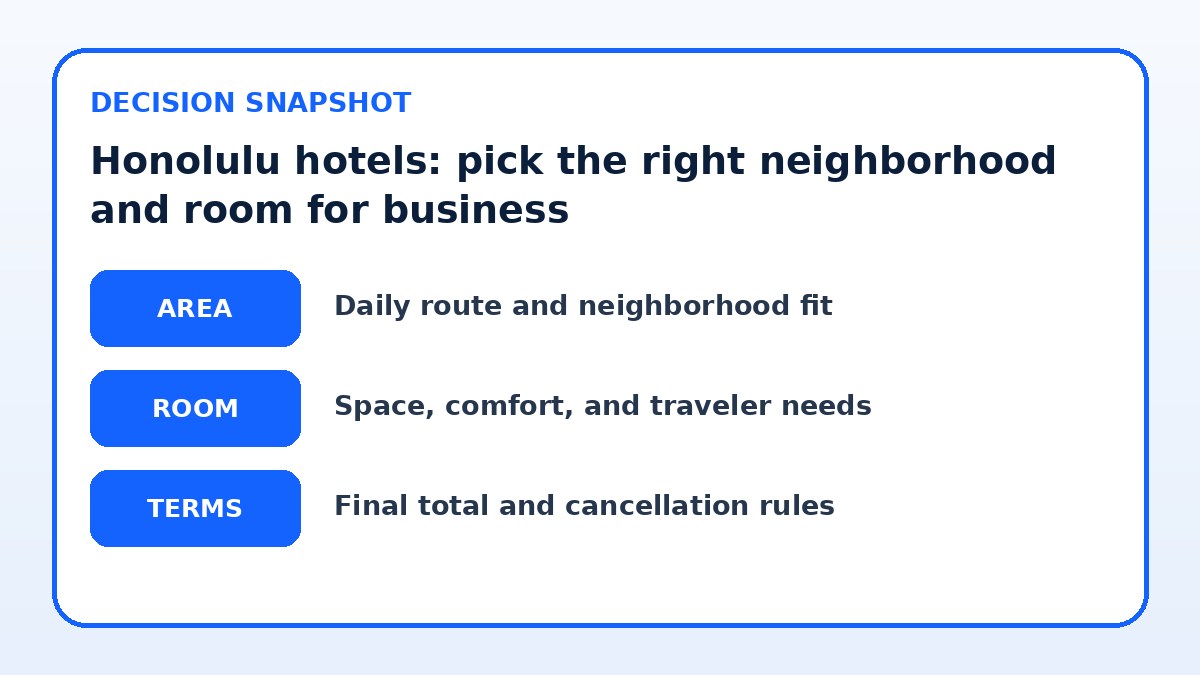
Daily-route friction: how to judge commute time and reliability
Commute time is not just distance—consider typical traffic patterns, peak-hour backups and the predictability of transfers. A hotel five minutes farther but adjacent to a frequent shuttle or transit line can be faster and less stressful than a closer option stuck on a congested corridor. Look at where rideshare drop-off points are, whether the hotel operates a business shuttle, and how easy it is to walk to nearby cafés or meeting spaces for mid-day calls.
Also consider how you intend to use travel time: are you comfortable taking calls while in transit, or do you need the commute to be uninterrupted rest? If uninterrupted work matters, shorter trips with fewer transfers are preferable. When comparing options, create a simple matrix: estimated door-to-door time during your meeting hours, number of transfers, and how usable that time is for work. This will highlight friction you might otherwise undervalue.
Now compare like with like
Keep the same dates, guests, room needs, and cancellation preferences while you compare the final choices.
Room and party needs: choosing the right room layout and services
Match the room to how you actually work. If you run long video meetings or need to draft reports, prioritize a room with a dedicated desk, ergonomic chair and good lighting. If you’ll host a single client or two colleagues, look for rooms with a layout that supports a small meeting—either suites with a sitting area or hotels that offer rentable day-use meeting rooms. Ask the property about in-room power outlets, an HDMI connection for presentations, and whether they offer quiet-room placement away from elevators and event spaces.
If you travel with a partner or require extra rest between work blocks, consider room-size and bedding configurations that let one person sleep while the other works. Also verify housekeeping schedules and noise policies; early morning housekeeping or adjacent event spaces can interrupt critical prep. When room comfort is a priority, weighted priorities—desk quality, soundproofing, blackout curtains and in-room climate control—are more important than a scenic view or pool proximity.

Hotel booking check before payment
- Map your meeting addresses and mark a 15–30 minute radius to identify hotels that minimize commute time.
- Confirm the room type includes a dedicated desk, ergonomic chair and accessible power outlets before booking.
- Verify Wi-Fi terms on the hotel’s booking page, including whether there’s a guaranteed business-speed option.
- Ask the hotel about quiet-room placement, executive floors, or room locations away from event spaces.
- Check cancellation and change policies carefully for your rate code and whether corporate invoicing is supported.
- If you must host a meeting, inquire about day-use rooms or on-site meeting rooms and their booking terms.
Final booking terms: what to check before you confirm
Before you hit confirm, verify the cancellation and change policies, Wi-Fi inclusions, and whether there is a business center or on-site meeting space included. Since policies can change, check the hotel’s final booking page for specifics: whether the rate is refundable, what the cut-off time for free cancellation is, any deposit requirements, and if there are fees for early check-in or late check-out. Confirm whether the listed Wi-Fi speed is guaranteed or best-effort and whether an upgraded business package is available.
Also confirm room placement requests and any paid upgrades that matter to your work—quiet floor, executive lounge access or suite availability. If you'll need to host a short meeting, ask about day-use rooms or private meeting spaces and the booking terms for those. Finally, verify identification and billing requirements for corporate cards and whether the hotel provides invoices suitable for corporate expense reports.
Hotel Guide questions travelers ask
Should I always prioritize a central location over a better room for business travel in Honolulu?
Not always. Prioritize what you lose by sacrificing the other. If meetings are tightly clustered and you’ll be traveling between them multiple times a day, a central location saves time and reduces transit risk. If your trip involves long work blocks, presentations, or hosting a small group, a room with a reliable workspace, soundproofing and flexible meeting options will likely be more valuable. Compare estimated door-to-door commute time versus uninterrupted work time you would gain from a better room; that comparison makes the decision practical.
How do I evaluate Wi-Fi and in-room tech when hotel listings rarely give useful speed data?
Ask the property directly and request a description of the business package, including whether the hotel guarantees speeds for streaming or conferencing. If precise numbers aren’t provided, ask about recent upgrades, whether the hotel segments Wi-Fi for guests and business users, and whether there are wired Ethernet ports in rooms. Also verify whether the hotel has a business center or rentable meeting rooms as a backup for important calls. Finally, check recent guest feedback on third-party booking pages for mentions of video-call reliability.
What room features should I confirm when I may need to host a client in the room?
Confirm that the room size and layout support a small meeting—suites with a sitting area are preferable. Ask about available seating for three to four people, table space for laptops, and the availability of extra chairs. Verify noise control measures (quiet floors, door seals), whether the hotel allows short-term in-room meetings under its policies, and if a day-use meeting room is available as an alternative. Also check catering or room-service policies if you need to provide refreshments during the meeting.
Final decision note
Balancing location and room comfort for business travel in Honolulu comes down to a clear decision about what you value most: saved commute minutes or uninterrupted, productive in-room time. Start by mapping your meetings, then shortlist neighborhoods that minimize door-to-door time for the majority of appointments. Next, match room features to the work you actually need to do—desk quality, soundproofing and meeting options often matter more than view or pool access. Before booking, verify cancellation policies, Wi-Fi terms and any meeting-room options on the hotel’s final booking page. Use this approach to create a short list and then compare live availability on booking platforms like Trip.com or the hotel’s own site to finalize the best fit for your trip.
Continue planning
Check current options and final conditions
Use the provider page to confirm live availability, the final total, cancellation terms, and every condition that matters to your trip.
This evergreen planning guide was created with AI-assisted drafting and a structured quality review. It does not display live prices, schedules, availability, visa guidance, or provider rankings. Verify current details before booking. Some links are affiliate links; we may earn a commission at no additional cost to you.