If you travel to Chiang Mai for work and want to use price alerts without succumbing to impulse bookings, start with a clear trip brief: dates that are firm, a small set of acceptable neighborhoods, and the minimum amenities you need for productivity. Set price alerts only for flights and hotels that meet those criteria, using a trigger price tied to your budget rather than a percentage drop. Combine alerts with a short verification checklist—confirm cancellation terms, transfer times from the airport, and reliable Wi‑Fi on the provider’s final booking page. If an alert meets your trigger, pause for one scheduled verification step before booking: a ten‑minute check of competitor rates and the provider’s cancellation and corporate invoicing options. This method uses alerts to surface opportunities while preventing emotional, last‑minute choices that can disrupt business travel plans.
See current options before you compare the details
Availability and final conditions change. Open Trip.com now or keep reading for the practical comparison.
Define a business-focused alert profile
Start by creating a concise brief for this trip: meeting venue or district, acceptable commute time, required connectivity, and any invoicing or receipt needs for expense reports. For Chiang Mai that might mean focusing on Nimman, Old City, or the airport corridor depending on your meetings. Narrowing neighborhoods reduces alert noise and prevents booking a cheap night across town that costs you more in taxi time and lost productivity.
Next, translate that brief into concrete alert filters: flight times that arrive with two hours to spare before your first meeting, hotel listings that explicitly mention high‑speed Wi‑Fi and work desks, and room types that include breakfast or a simple kitchenette if you keep odd hours. Use the same brief when checking cancellation policies on the booking page—if the rate is nonrefundable but your company requires flexibility, the alert should be ignored or labeled as a speculative opportunity only.
Set practical trigger rules to avoid impulse buys
Price alerts are most useful when they have a preapproved trigger—an amount you’re willing to pay that keeps the total trip within budget. Rather than chasing every dip, calculate a maximum acceptable fare or nightly rate that includes estimated taxes, transfers, and a buffer for incidentals. When an alert hits that amount, it’s a candidate for review, not an automatic purchase. This discipline preserves the primary goal: efficient, predictable business travel, not bargain hunting.
Also set timing rules. For flights, alerts that appear within 48–72 hours before departure generally require more scrutiny because fewer seats remain and change fees may apply. For hotels, a trigger that’s valid only for rates with free cancellation until at least 48 hours before arrival reduces risk. Label alerts as 'book now,' 'monitor,' or 'speculative' so you and any travel approver understand the level of commitment represented by the price signal.
| Approach | Best for | Tradeoff to check |
|---|---|---|
| Aggressive alerts and instant booking | Travelers who prioritize lowest upfront cost and can absorb schedule risk | High chance of impulse purchases, limited cancellation flexibility, and potential approval conflicts |
| Conservative alerts with verification pause | Business travelers needing predictable schedules and expense compliance | May miss the very cheapest last‑minute fares but preserves time and policy adherence |
| Alerts limited to preferred suppliers | Employees bound to corporate vendor lists or who need easy invoicing | Fewer opportunities to find lower prices outside preapproved networks |
| Monitor mode without active booking | Planners who want market awareness without pressure to act | Requires manual checking and may miss short‑window opportunities if you delay |
Ready to check the option that fits your plan?
Use your exact dates and traveler details so the provider page can show the current total and conditions.
Use a quick verification workflow before you hit purchase
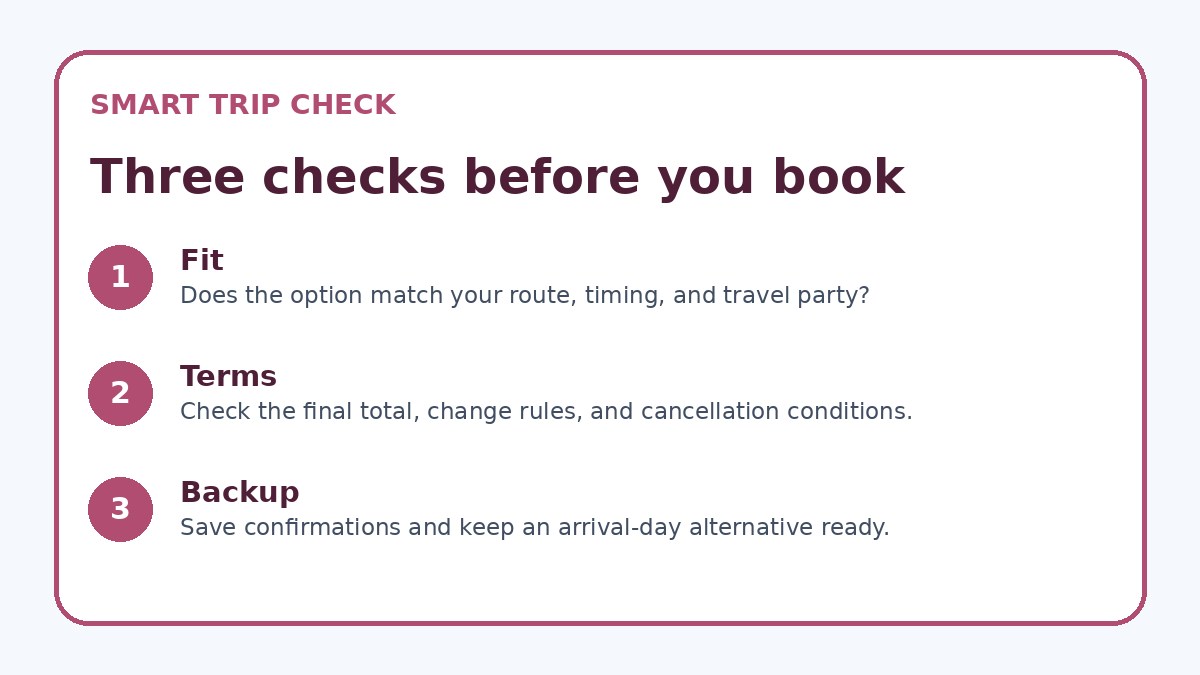
When an alert meets your trigger, run a short, consistent verification workflow: open the provider’s final booking page and verify total price, cancellation conditions, corporate invoicing options, and the exact room type or fare class. Confirm the location relative to your meetings on a map and check estimated transfer times from Chiang Mai International Airport or your likely arrival point. If the booking page lists extras or mandatory fees, factor them into the total immediately—what looks like a deal on the alert can be more expensive on the checkout page.
After the booking‑page review, pause for a ten‑minute competitor check. Compare the same dates on one or two other platforms and the supplier’s own website where available; Trip.com can be used as one comparison point if you want another quick read on availability. If another option with better terms exists, reconsider. If the alert match still fits your brief and the company’s expense policy, proceed. This two‑step pause reduces emotionally driven purchases while keeping the booking process fast enough for business needs.
Before you book
- Create a one‑page trip brief listing meeting locations, acceptable neighborhoods, and minimum connectivity needs before setting alerts.
- Set alert triggers using a total cost limit that includes estimated taxes, transfers, and likely incidental expenses.
- Require free cancellation to at least 48 hours before arrival for hotel alerts unless the rate is preapproved for travel policy.
- Verify on the provider’s final booking page: total price, cancellation terms, room/fare class details, and corporate invoicing options.
- Run a ten‑minute competitor check (including the supplier’s own site and one aggregator like Trip.com) before finalizing a triggered alert.
- If booking outside company policy, prepare a written business justification and route it through the fastest approval channel before payment.
Balance speed and corporate policy in approvals
Business travelers often face approval processes that conflict with last‑minute deals: a low fare may look great, but if it violates corporate vendor lists or expense rules you’ll spend time fixing it later. Before relying on alerts, confirm which booking channels your company accepts and include those channels in the alert filters. If your employer requires bookings through a travel management company or needs preapproval for certain classes, factor that into your trigger rules so an alert become a signal to start approval rather than to complete a purchase.
If you frequently travel to Chiang Mai, build a small set of preapproved hotels and preferred carriers that meet company policy and local needs. Use alerts limited to those providers to get both speed and compliance. When you do find a rate that meets your trigger but is outside policy, document the business justification and route it through the fastest approval channel—this habit will keep you from making costly out‑of‑policy emergency purchases while still taking advantage of genuine savings.
Frequently asked questions
How can I use price alerts for Chiang Mai flights without risking last‑minute schedule problems?
Use alerts configured for flight arrival and departure windows that match your meeting schedule, and set a trigger that includes any acceptable connecting times. When an alert hits, inspect the fare class on the provider’s booking page to understand baggage, change, and refund rules. If the alert rate requires tight connections or long overnight layovers, weigh the risk against the savings and your company’s reimbursement rules. When in doubt, prefer a slightly higher fare with clear change policies to avoid schedule disruptions that could affect meetings.
What should I verify on a hotel booking page after an alert triggers?
Confirm the total payment due at checkout including taxes and mandatory fees, the exact room type being offered, and the cancellation window. Check whether Wi‑Fi is advertised as complimentary and whether the room has a work desk or business facilities you need. Also locate the hotel on a map to confirm transfer times to your meeting sites in Chiang Mai and check any listed shuttle or transport options. If your employer requires specific invoicing details, verify that the property can provide an appropriate receipt before you finalize the reservation.
How do I reconcile quick bookings with my company’s travel policy?
Before using alerts, review your policy to know which suppliers and fare classes are preapproved and whether special approvals are required for exceptions. Limit alerts to only those suppliers when immediate booking is necessary, or set a secondary workflow that immediately notifies your approver the instant a trigger is met. If you find a price outside policy that is materially better, document the business reason and follow the established expedited approval process. This preserves compliance while allowing you to act quickly on worthwhile deals.
Final planning note
Price alerts are a powerful tool for Chiang Mai business travel when they operate inside a framework: a clear trip brief, practical trigger rules, and a brief verification workflow that checks totals, terms, and corporate policy. That structure turns alerts into curated opportunities rather than emotional prompts. For recurring trips, refine your preferred supplier list and alert settings so the system learns what works for your calendar and company rules. Finally, always verify final terms on the provider’s booking page and keep a documented fallback in case a chosen rate changes—this balance delivers value without compromising productivity or compliance.
Continue planning
Check current options and final conditions
Use the provider page to confirm live availability, the final total, cancellation terms, and every condition that matters to your trip.
This evergreen planning guide was created with AI-assisted drafting and a structured quality review. It does not display live prices, schedules, availability, visa guidance, or provider rankings. Verify current details before booking. Some links are affiliate links; we may earn a commission at no additional cost to you.